
● Start · 10 minutes
Quick start
the terminal on your screen.
The shortest way from the zip to SOLSCOPE running in Chrome on live data. No account, no key and no backend are needed for this. If Flutter is not installed yet, do Requirements first.
01Before you start
flutter --versionshows Flutter 3.41 or newer (tested with 3.41.4).- Google Chrome is installed. For a phone, an iOS simulator or Android emulator is running.
Why no setup?
SOLSCOPE ships keyless. It runs on keyless sources out of the box, and every section that needs a credential says so on screen instead of showing a blank or a zero.
02The ten minutes
- Unzip and open a terminal in the project folderPut it somewhere without spaces, for example
~/projects/solscope. - Install packages
flutter pub get - Check the codeOptional, but it proves your toolchain is right.
flutter analyze # expect: No issues found! flutter test # expect: All tests passed! - Run it in Chrome
For a phone or simulator useflutter run -d chromeflutter run -d <device>;flutter deviceslists them.
03What you should see
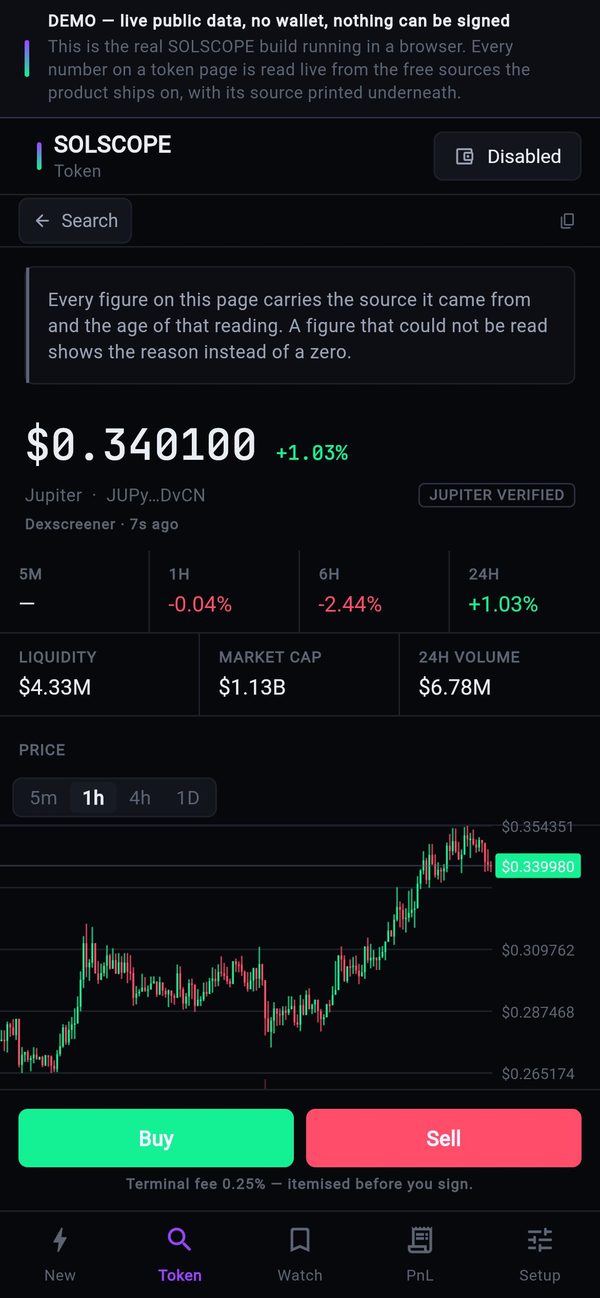
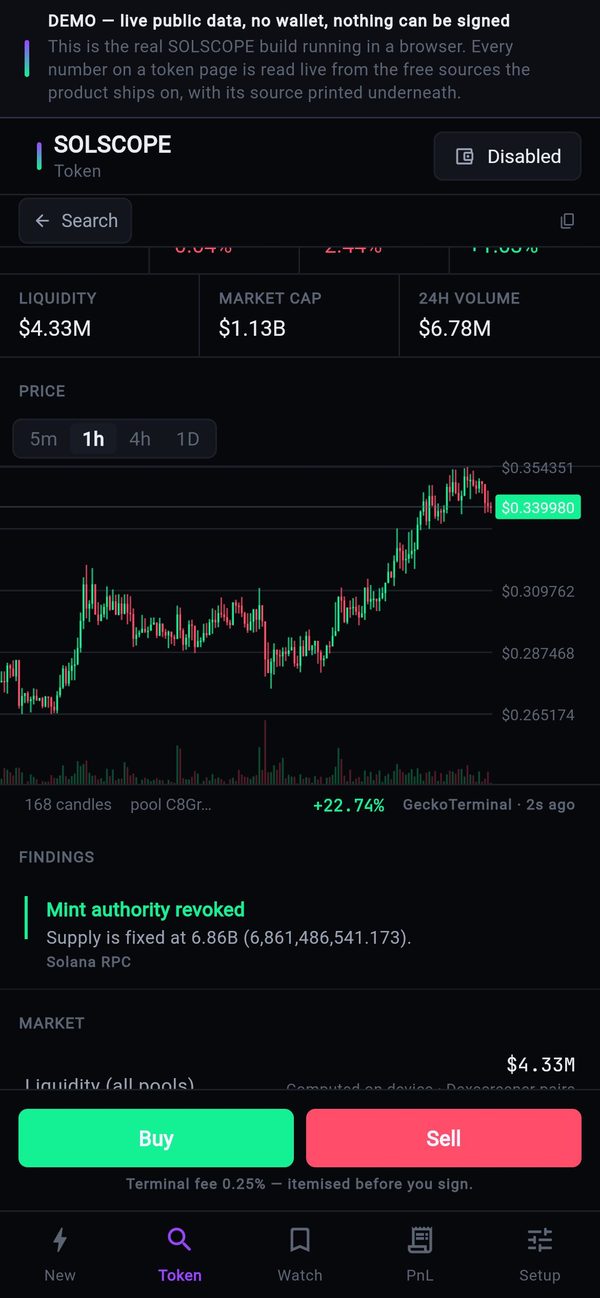
- The terminal opens on a Token page: the last token this device looked at, or JUP (Jupiter's token) on a fresh install.
- The status bar says Public RPC. That is expected: without your own RPC URL the app uses a public endpoint, which is rate limited. Some figures (top holders, dev-wallet history) show the reason they are missing and which key unlocks them.
- Setup → What this terminal earns reads Off. No fee is sent until you set a rate and a fee account (Setting up earnings).
Next
Continue with Installation: your RPC, your keys and your config URL. Plan about 30 minutes.